.
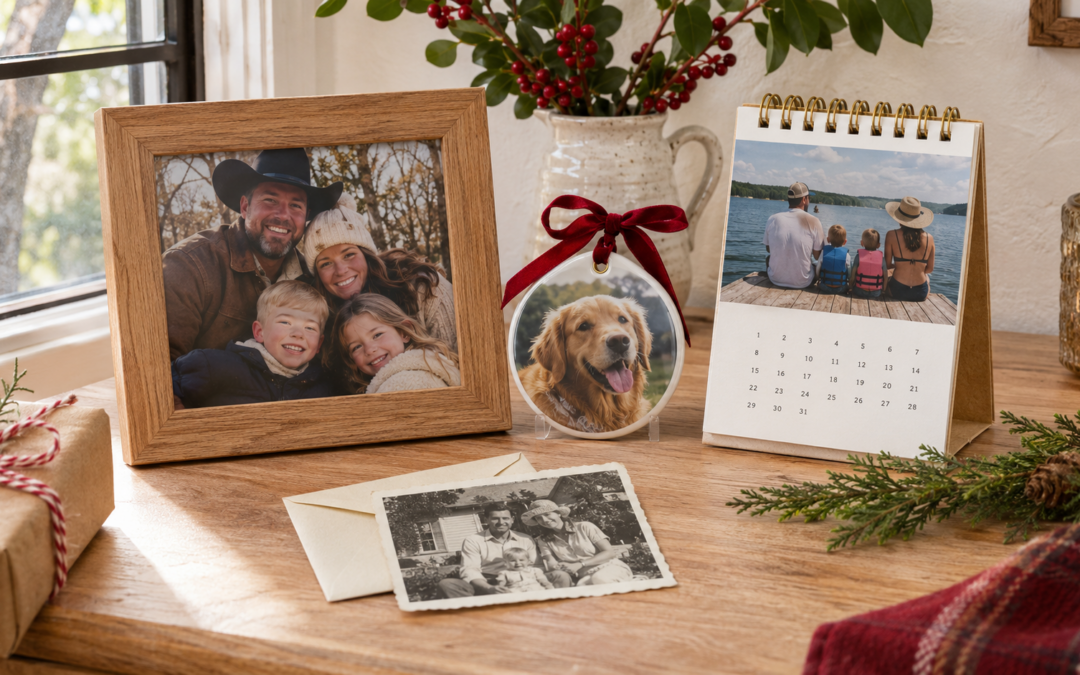
If there’s a picture everyone keeps asking you to send, it might make a good Christmas gift. Think of the dog asleep under the tree, the cousins piled onto Grandma’s couch, or the first family photo with the new baby. Custom photo magnets give those pictures a spot on the fridge, and you can order copies for everyone who wants one.
Shopping for a few different people? Our guide has four more ideas for turning a favorite picture into a gift. Explore five personalized photo gifts for Christmas.
Choose a photo that works at a small size
Open the picture on your phone and zoom out until it’s close to the size you want to print. Can you still see the expression that makes it funny or recognize everyone in the photo? If you have to zoom back in, try a tighter crop or choose a picture with a simpler background.
A close-up of a pet works well on a small square magnet. A wide family photo may need a rectangular shape or a larger size so each face has room. If you’re making a set, try three photos from the same day: the posed family picture, the one where everyone laughed, and the dog wandering into the frame.
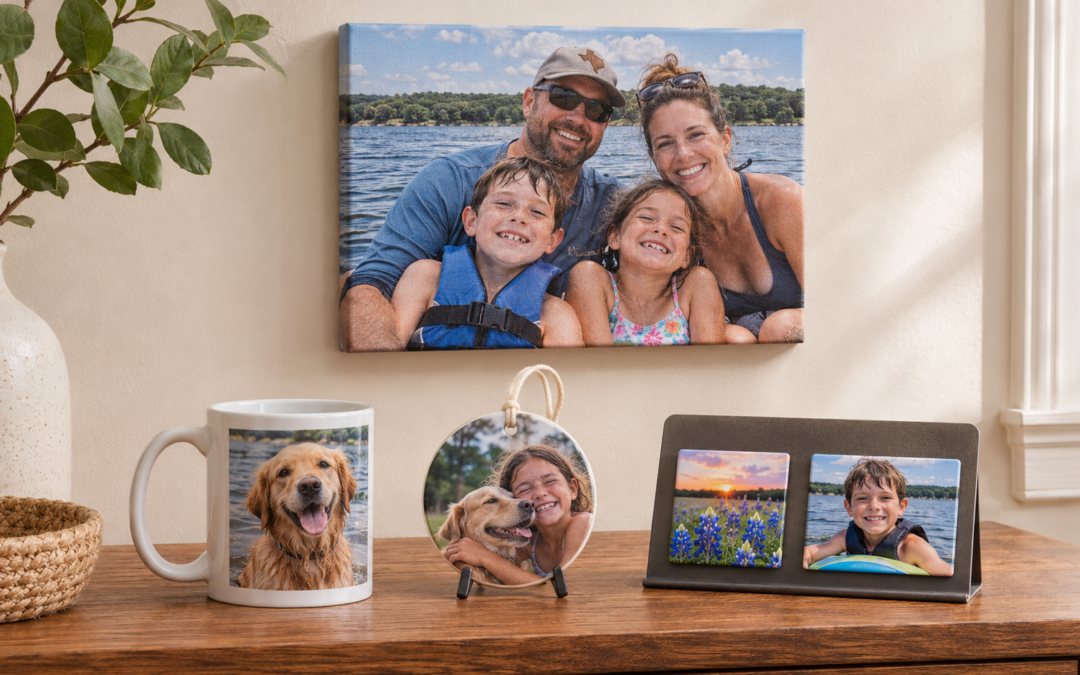
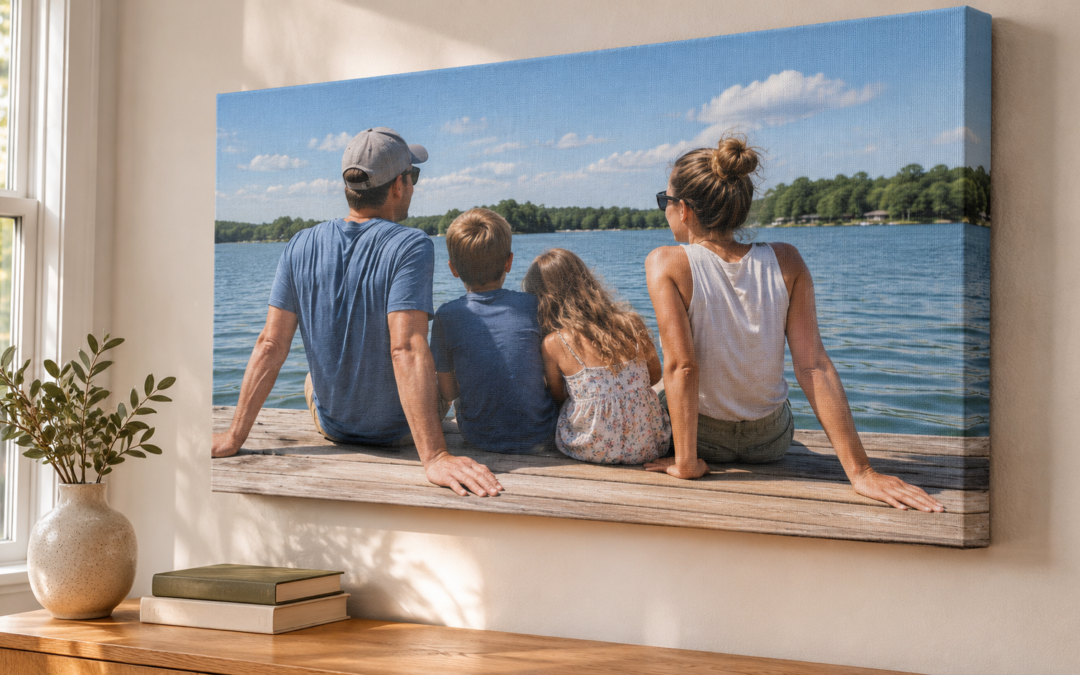
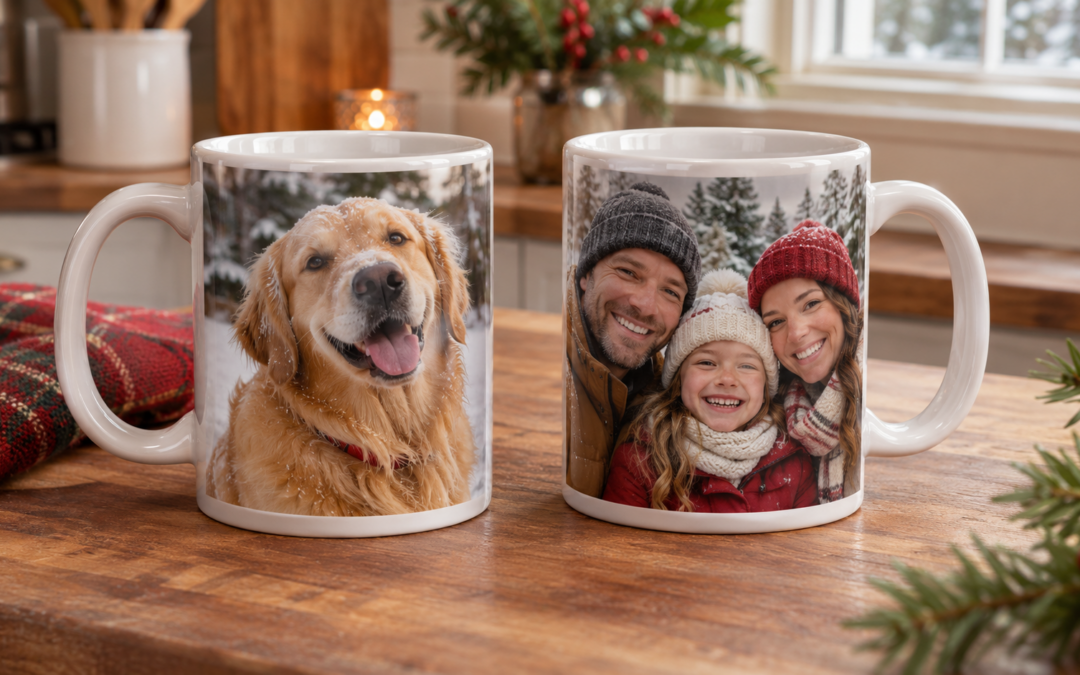
Love the photo you picked? See how it could look on a mug, ornament, or canvas in our year-round guide to personalized photo gifts.
Check the crop before you order photo magnets
Look at what’s close to the edges. Leave a little extra room around faces, ears, and anything else you want to keep. A square crop can cut off people at either end of a wide photo, so ask how the image will fit your chosen shape before you settle on a size.
If you want to add lettering, keep it short. Christmas at Grandma’s or Our First Christmas, 2026 gives the photo context without taking up much space.
Send the clearest version of your picture
Start with the original from your camera roll. If someone shared the picture in a group chat, ask the person who took it if they still have the original. Send the full image if you’d like help cropping it.
For a small print viewed up close, Adobe uses 300 pixels per inch as a guideline. A 2 × 3-inch photo magnet at that resolution would use about 600 × 900 pixels after cropping. If you’re working with an older or smaller file, ask what size it can print clearly. Adobe’s guide to print resolution
If you’re sending a photo from an iPhone, you can check your file format options in the Photos app’s Share menu. Apple’s guide to sharing photos from an iPhone
Decide how many magnets you need
If everyone is getting the same picture, count the households you’re gifting to and add a copy for yourself. If you’re giving sets, write down the number of sets and the number of photos in each one. For example, six sets with three different photos each means 18 magnets total. Include your gift date when you ask for a quote so the shop can confirm timing.
Ask about custom photo magnets in Granbury or Stephenville
Have a photo in mind? Tell us your preferred size, how many magnets you’d like, and when you need them. We can help check the crop, confirm available options, and put together a quote. Contact 817 & 254 Sign & Print for a quote or see our printing and ordering FAQs.